World Radio · macOS 14 or later
Good music has no borders.
Keep the sound. Change the scenery. A tactile music receiver for discovering what is playing beyond your usual horizons.
Coming to the Mac App Store. Free to download. An active Apple Music subscription is required for playback.
A different way to discover
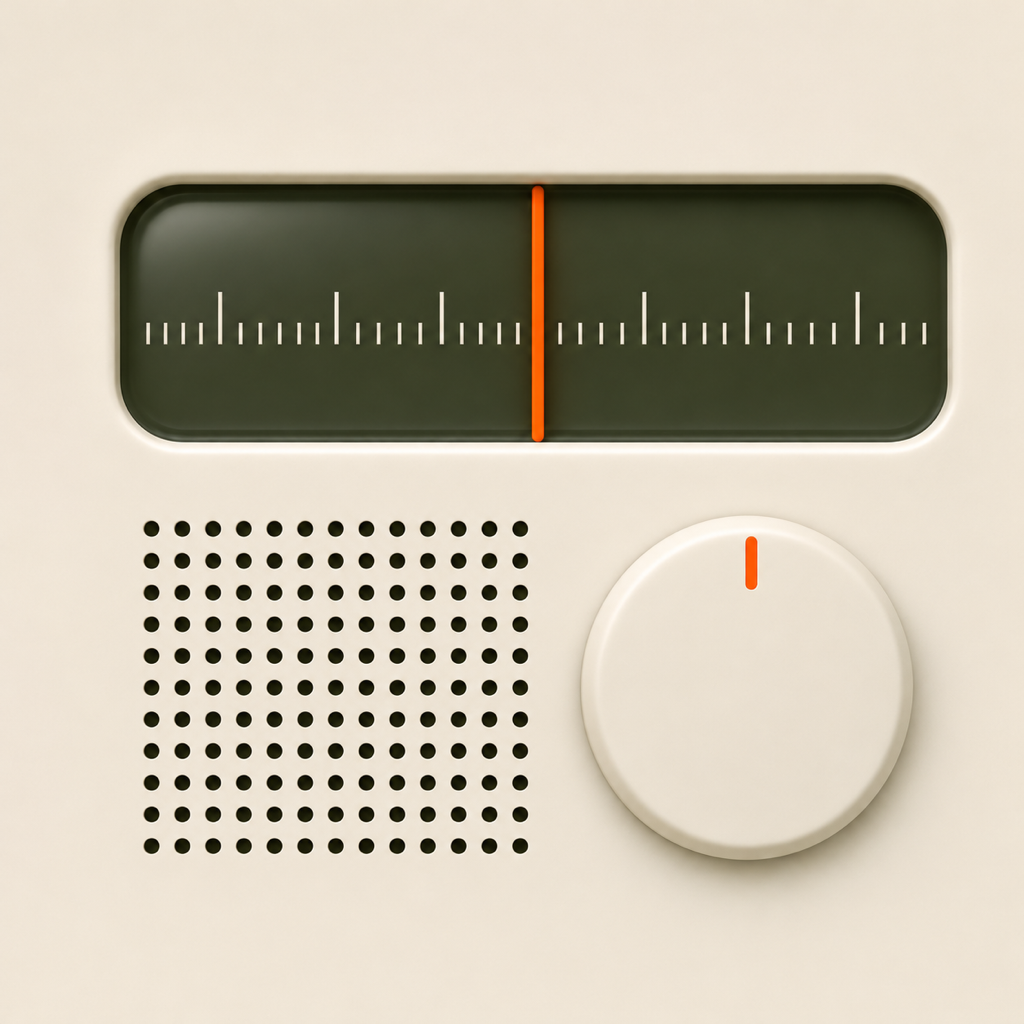
Turn the dial. Follow the sound.
Start with rock in Ireland, jazz in Japan, or traditional music in Brazil. Choose a genre and tune to another country. Countries are a starting point for exploration: Apple Music results can include music from elsewhere and vary by catalog and storefront.
42 starting points
Explore countries and regions across the Americas, Europe, Africa, Asia and the Pacific.
Seven genres
Local, Rock, Pop, Jazz, Electronic, Soul and Traditional, with country-specific traditional search sets.
Roam and shuffle
Keep your genre and explore another country, try a random genre, and shuffle songs in playlists.
Full receiver, mini player
A receiver for your desk and a compact player in the menu bar. Hide the window and keep listening.
Save the songs you find
Add a playing song to your Apple Music library or send a Favorite request directly to Apple Music.
Made for your Mac
Tune with the dial, trackpad, scale or arrow keys. Six interface languages with eight regional versions and VoiceOver labels.
Support
Need a hand?
Email info@truebloom.ltd. Include your macOS version, World Radio version, selected country and genre, and the error text. Do not send your Apple Account password or other credentials.
Getting connected
Sign in to the Music app with an active Apple Music subscription. Open World Radio, choose Connect Apple Music and allow access. You can manage that permission in System Settings → Privacy & Security → Media & Apple Music.
No results or no playback?
Try another genre or country, or choose a different playlist or station from Music. Availability depends on your Apple Music storefront. Outputs with their own hardware volume control may disable the app’s output-volume control.
Changing the interface language
World Radio follows macOS language preferences. You can choose a per-app language in System Settings → General → Language & Region → Applications, then restart the player.
Your music, your account
No extra account. No recording.
World Radio uses Apple’s MusicKit for catalog search, playback and the library/favorites actions you choose. It has no advertising, analytics SDKs, developer-operated backend or audio recording. Apple processes Apple Music activity under its own privacy terms.